Vidlark
A free, open source Loom alternative. Press one button, and when you stop, the video is already finished.
Live for Mac, Windows in beta, open source.
 Live
What is it?
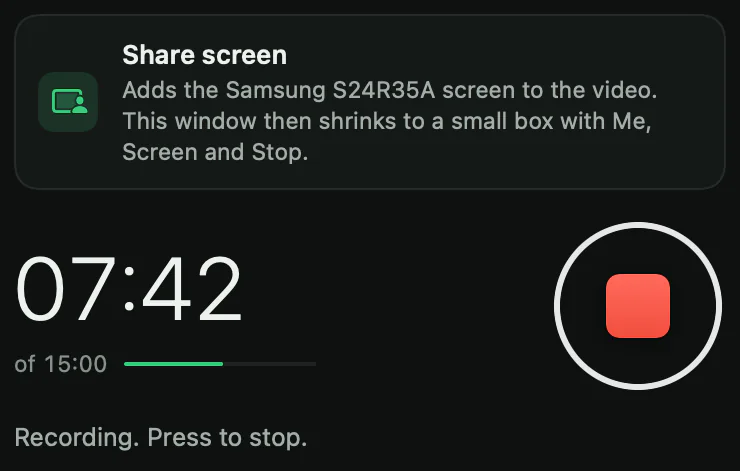
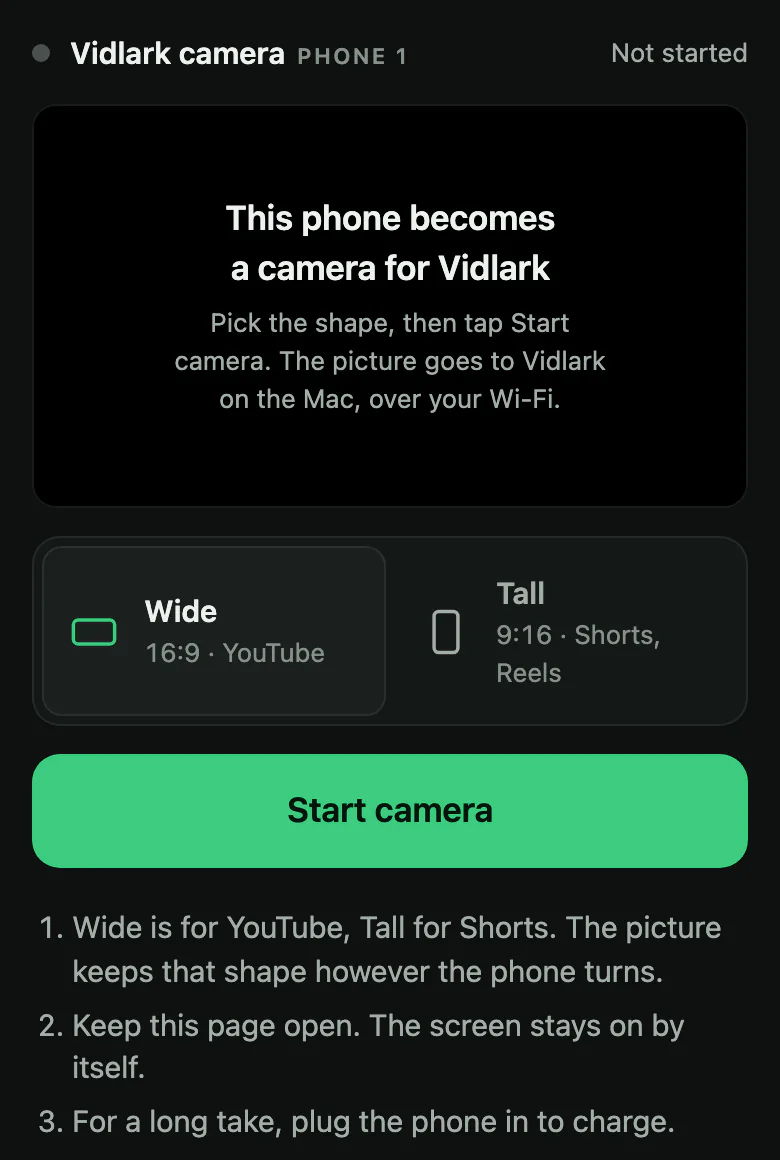
A recorder for videos. One red button records your camera, your mic and your screen as separate files that stay in sync.
When you stop, it lines them up by sound and hands you video.mp4, a transcript, YouTube chapters and a list of retakes. Free, no account, no watermark, no time limit.
Watch it work.
The trailer, made with Vidlark itself.
One button, three files.
Press record and Vidlark films your camera, records your mic and captures your screen at the same time, each as its own file.
- One button, three files.. Press record and Vidlark films your camera, records your mic and captures your screen at the same time, each as its own file.
- They never start in step.. Every device starts a little early or late. Here the clap at the start of the take lands in three different places.
- So it lines them up by sound.. When you stop, Vidlark finds the same sound in every file and slides each one until they match, to the frame.
- Then it finishes the take.. You get the finished video, a transcript, YouTube chapters and a list of every retake, plus the raw files.
Real screens from the app.
How it's built
Swift and SwiftUI
The Mac app itself: the one-button window, the recording box and Settings.
AVFoundation
Records the camera and the mic, each to its own file.
ScreenCaptureKit
Records the screen, and keeps Vidlark's own windows out of the picture.
FFmpeg
Lines the files up by their sound and puts them together into video.mp4.
whisper.cpp
Writes the transcript on the Mac, with no upload. The chapters and the retake list come from it.
C++ and Media Foundation
The Windows version. It writes the same take folder as the Mac, so both finish a video the same way.
Why I built it
My mother films YouTube videos. Loom's free plan stops at five minutes, and the paid plans cost money every month.
So I built the recorder she needed, then gave it to everyone.